
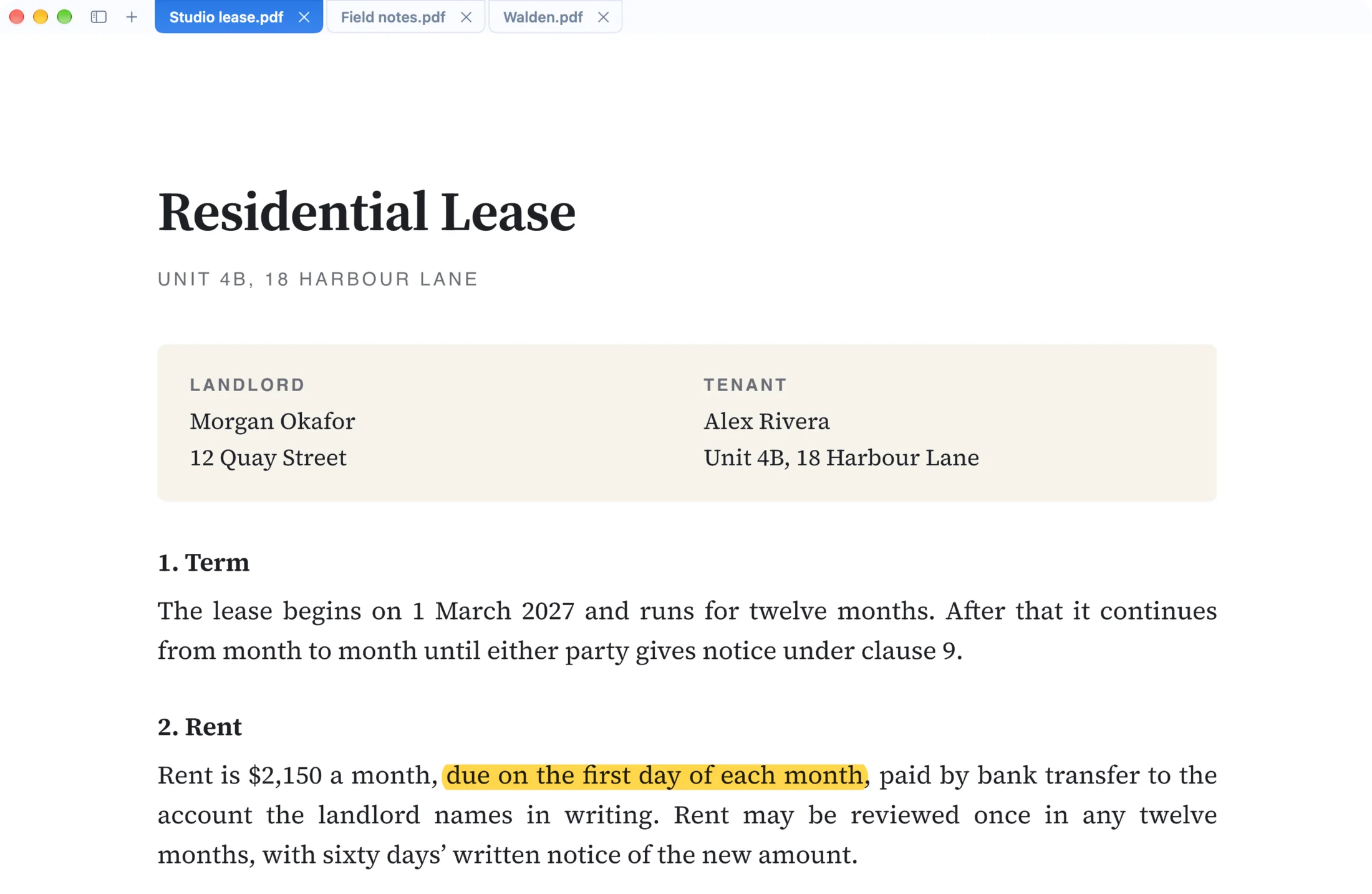
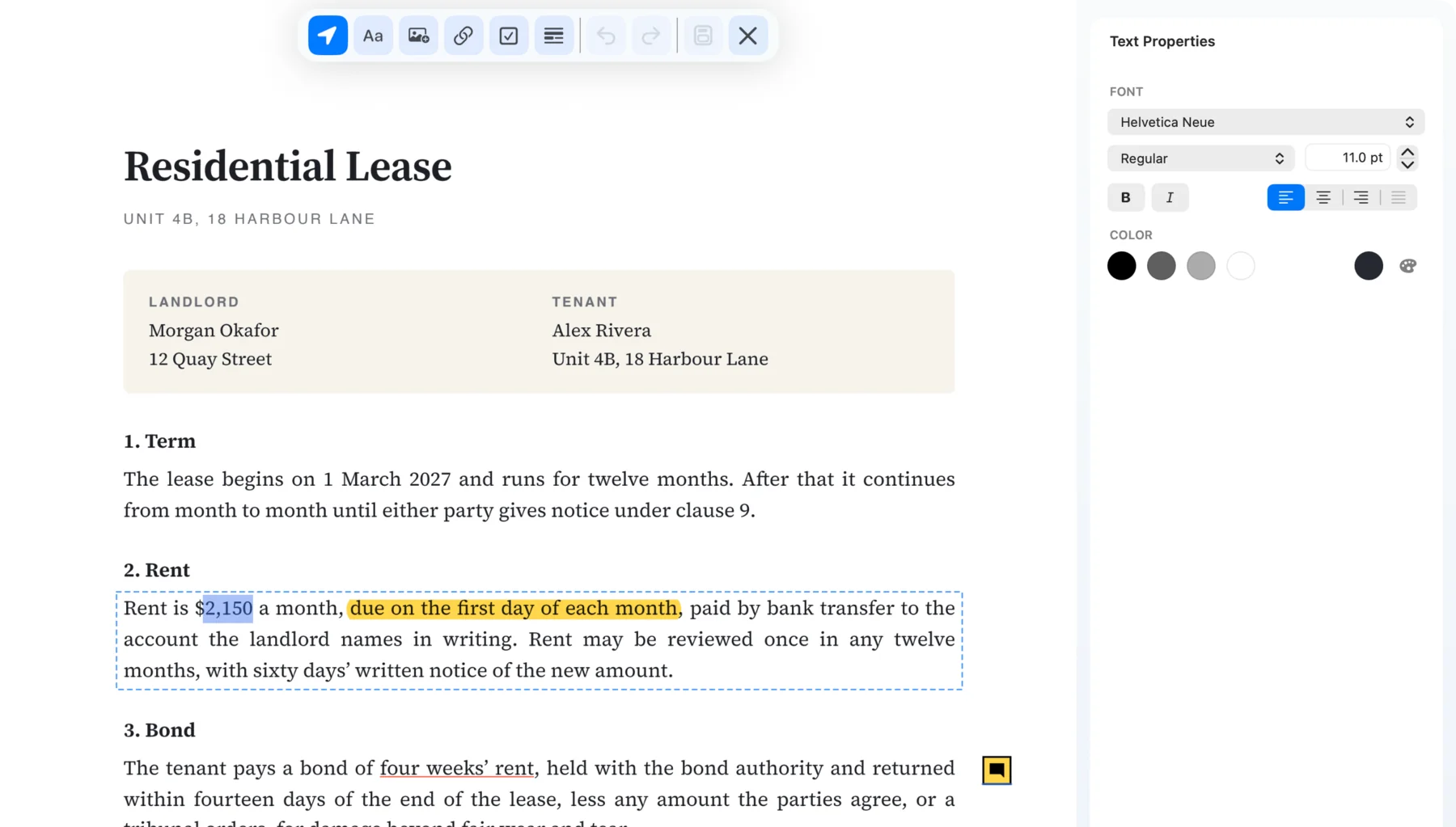
Text, in place
Fix a date, a figure or a typo on the page itself.
PDF reader and editor
mPDF is a PDF reader and editor that keeps its tools out of sight until you reach for them. Read, mark up, change the text itself, rearrange pages and sign, all on the page and all in one window.
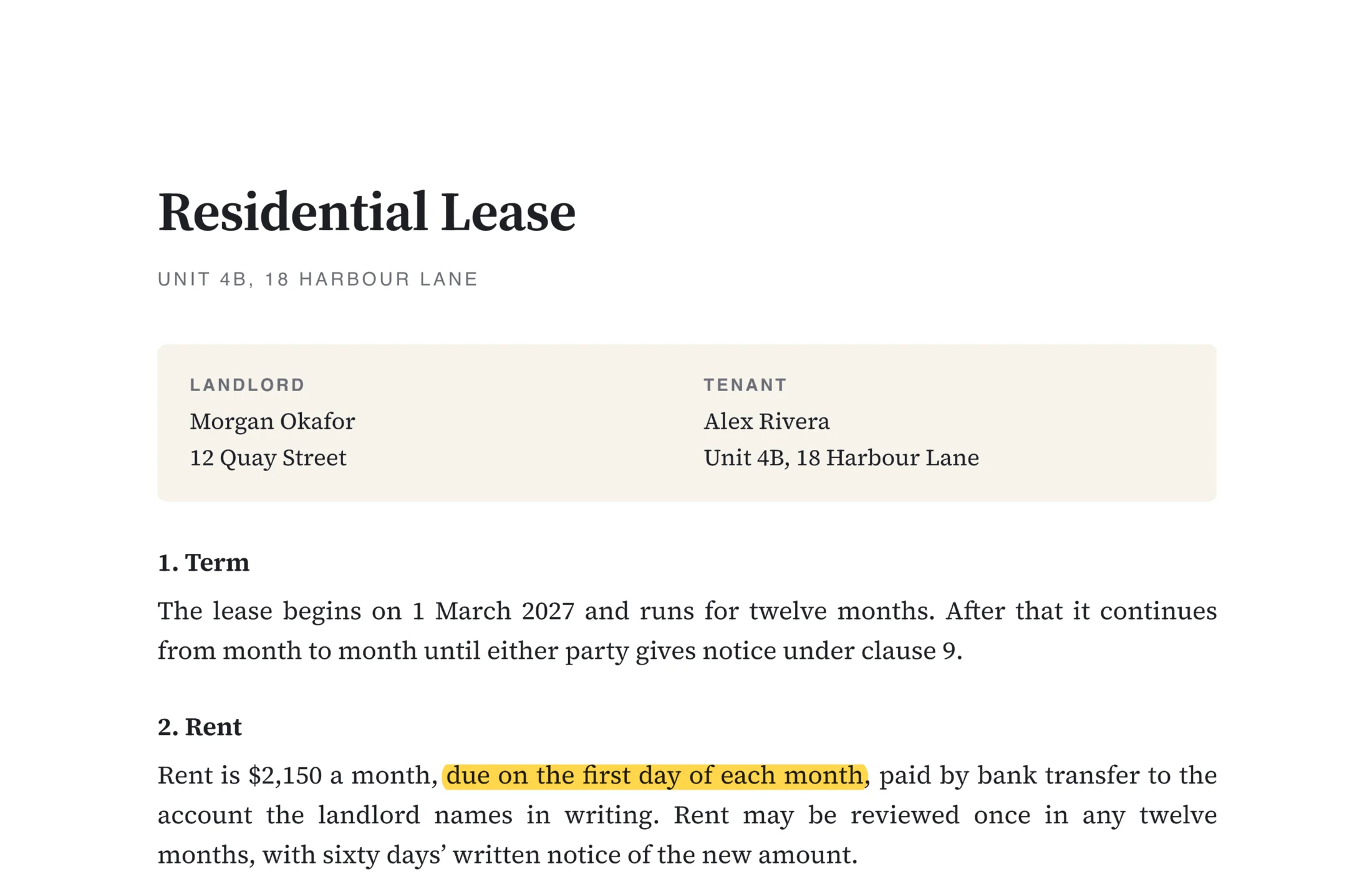
A title bar that hides itself It slides away as you read, and back when you point at the top of the window.
Every PDF, one window Tabs, each brought back to its page and zoom when you return.
Native where it counts AppKit on the Mac, Fluent on Windows, SwiftUI and Pencil on iPad.
No account, no cloud Files open and save where you keep them, and are never uploaded.
Read
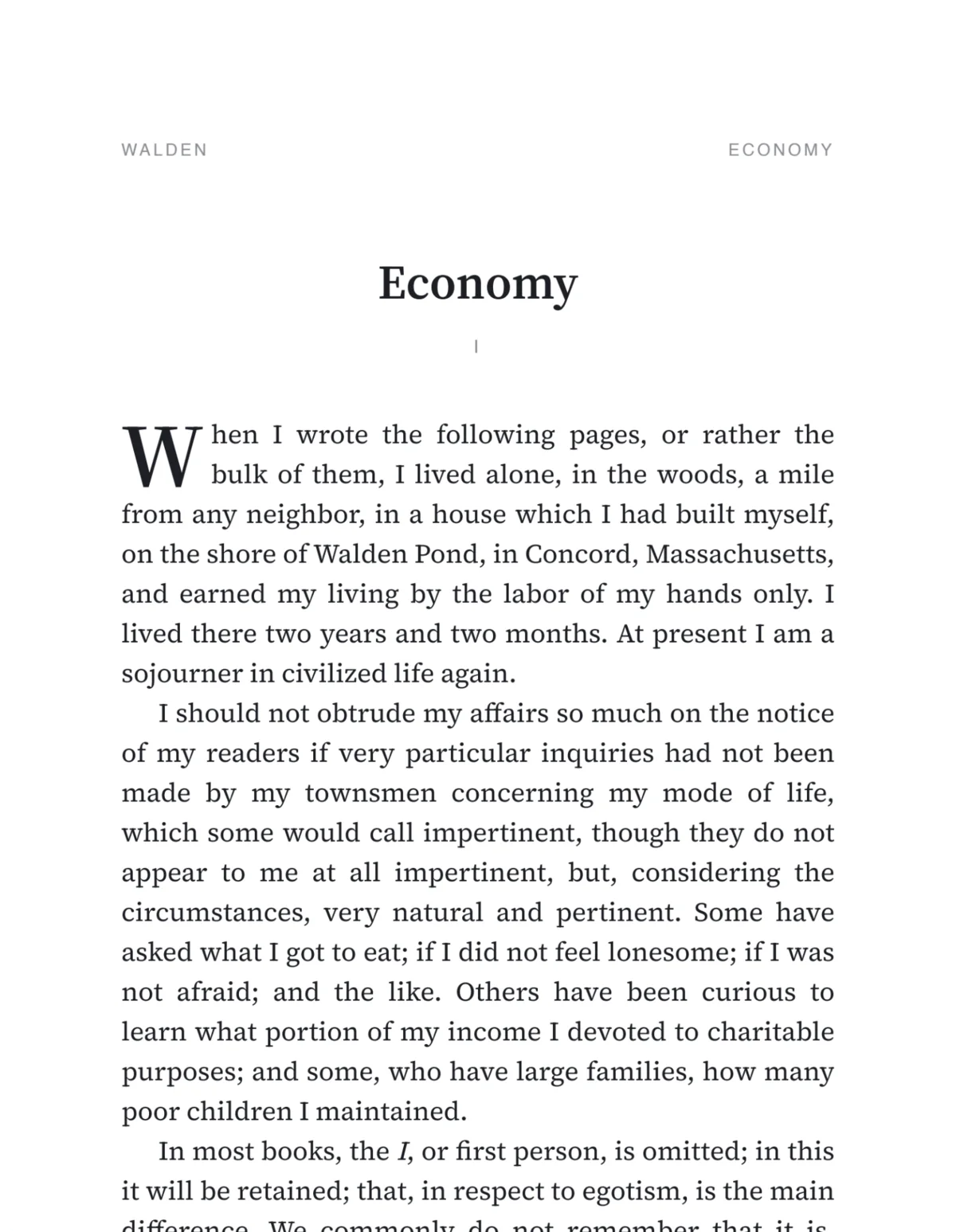
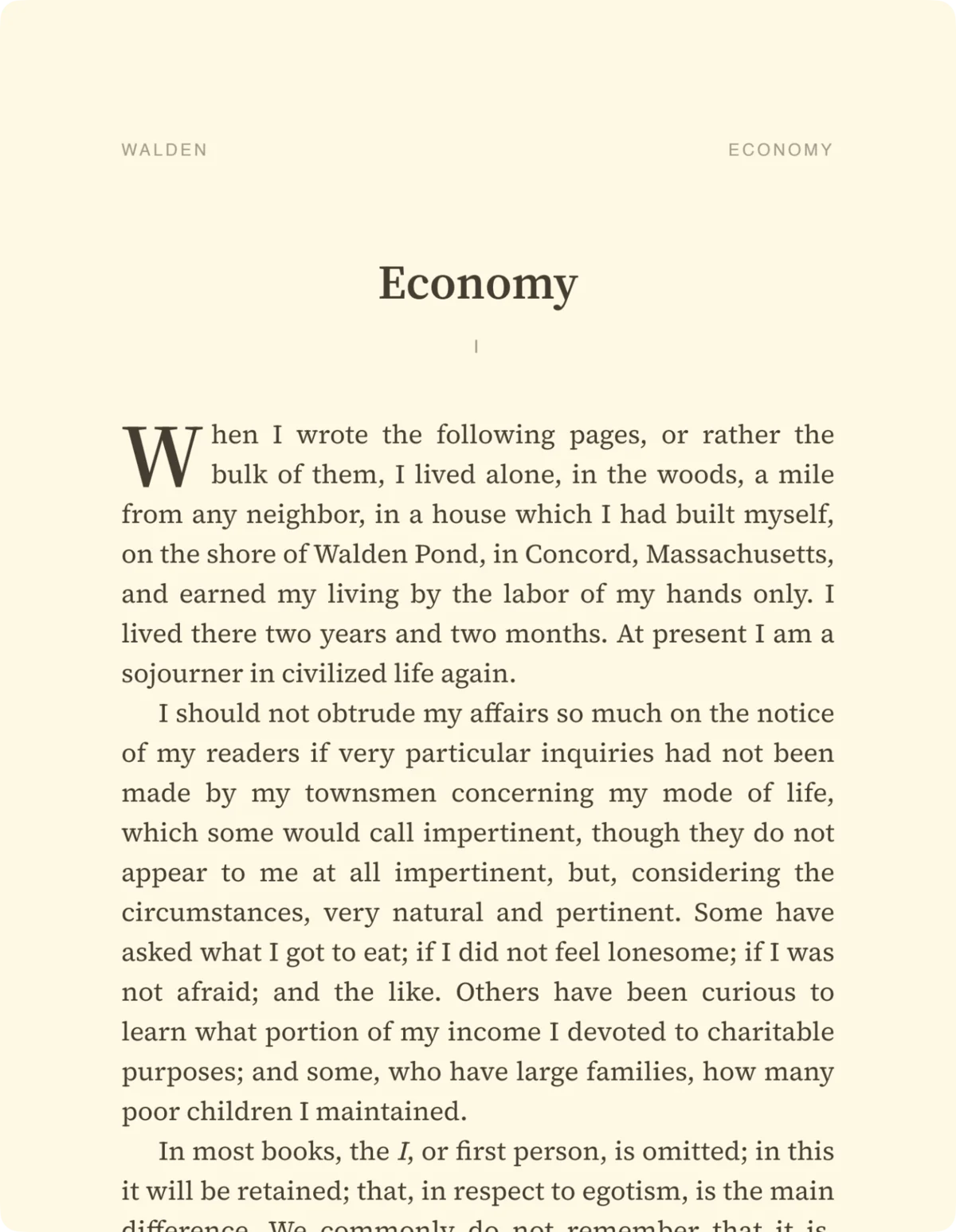
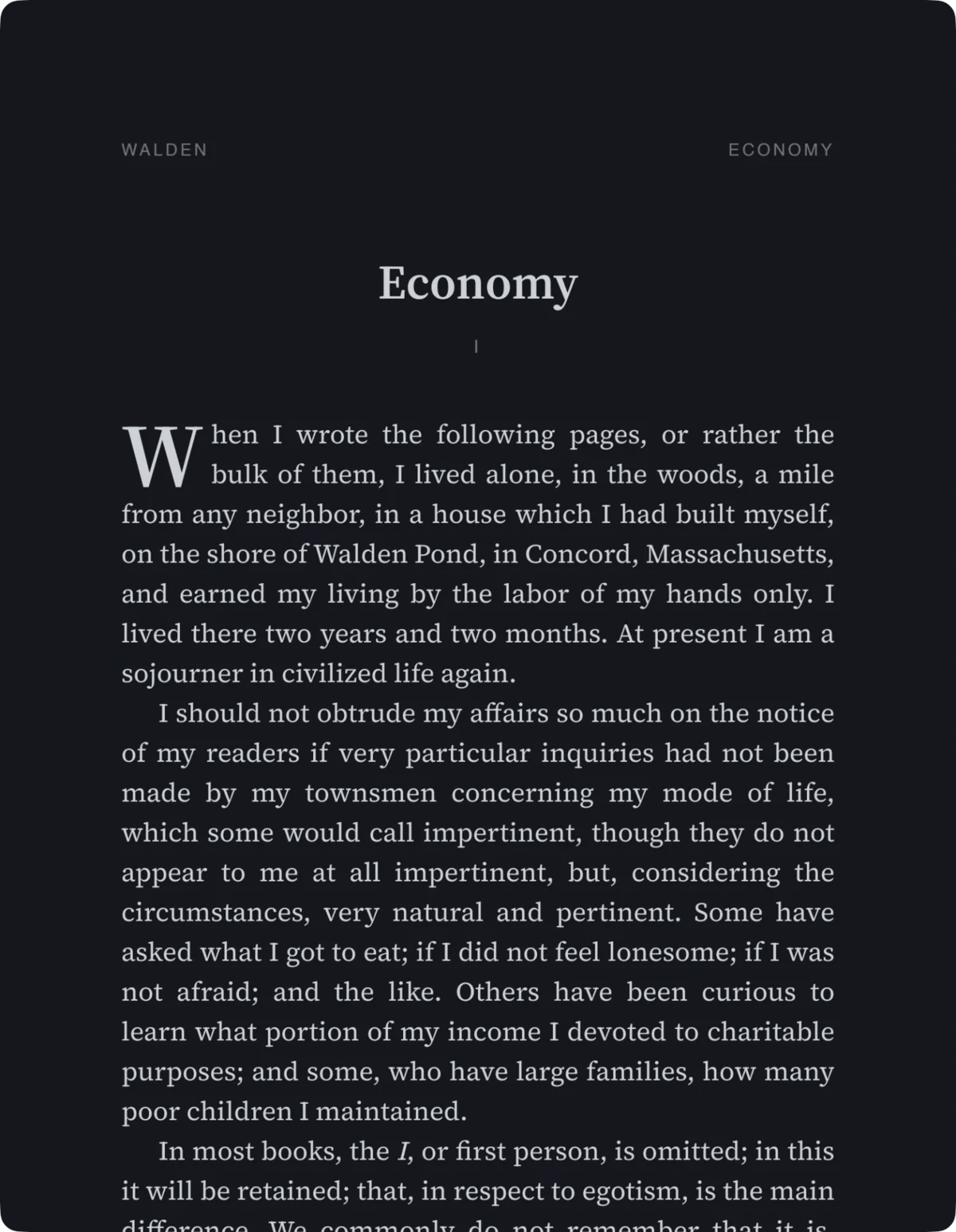
While you read, the title bar, tabs and tools slide out of the way and the page has the window to itself. Point at the top edge and they’re back.
Mark up
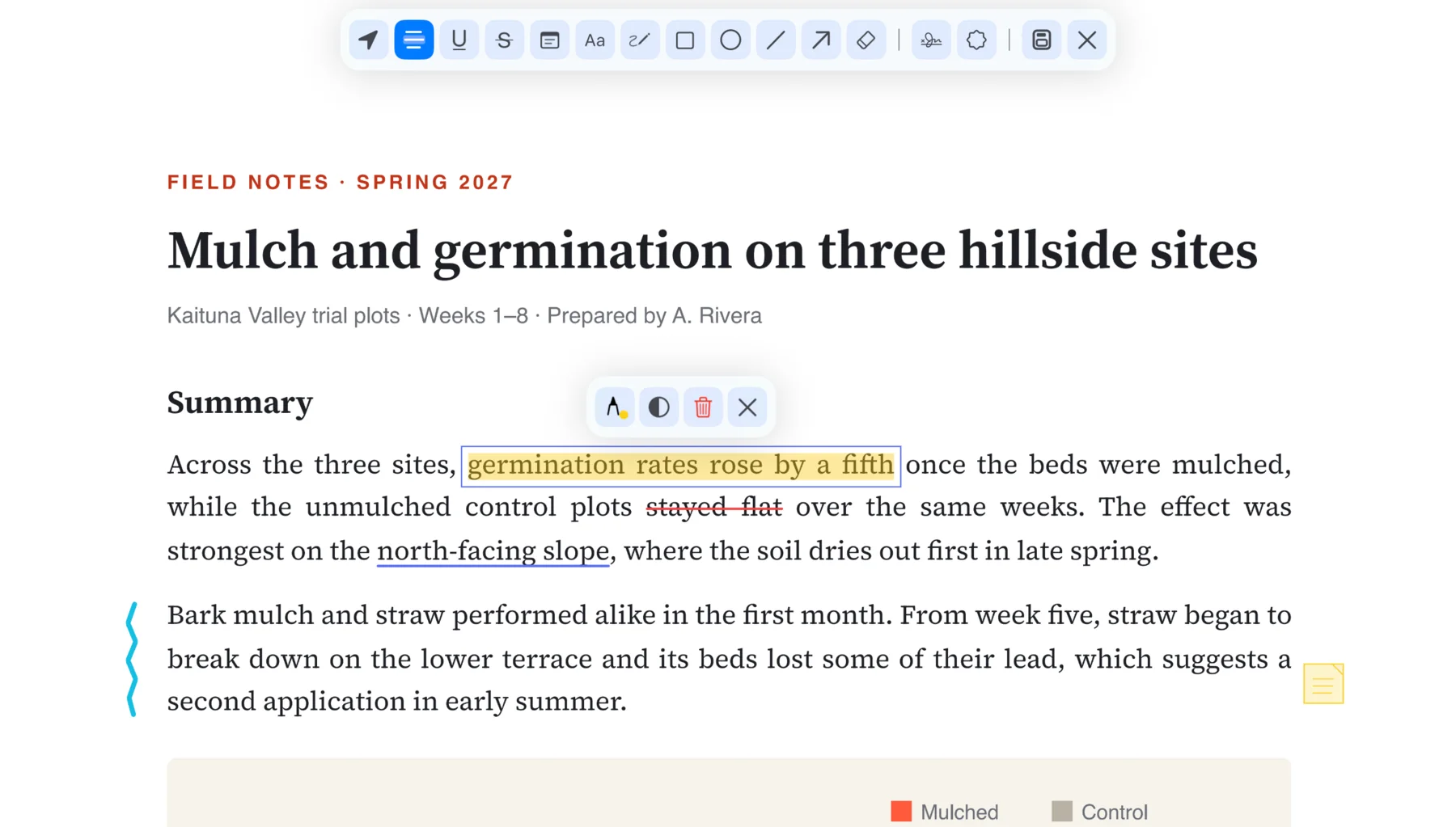
Highlight, underline and strike out text, leave notes, write freehand or draw shapes and arrows. Every mark can be undone, and redone.
Edit
Click into the text of a PDF and edit it where it stands. Move, resize or replace its pictures. Fill in its forms. No exporting to another format and back.
Fix a date, a figure or a typo on the page itself.
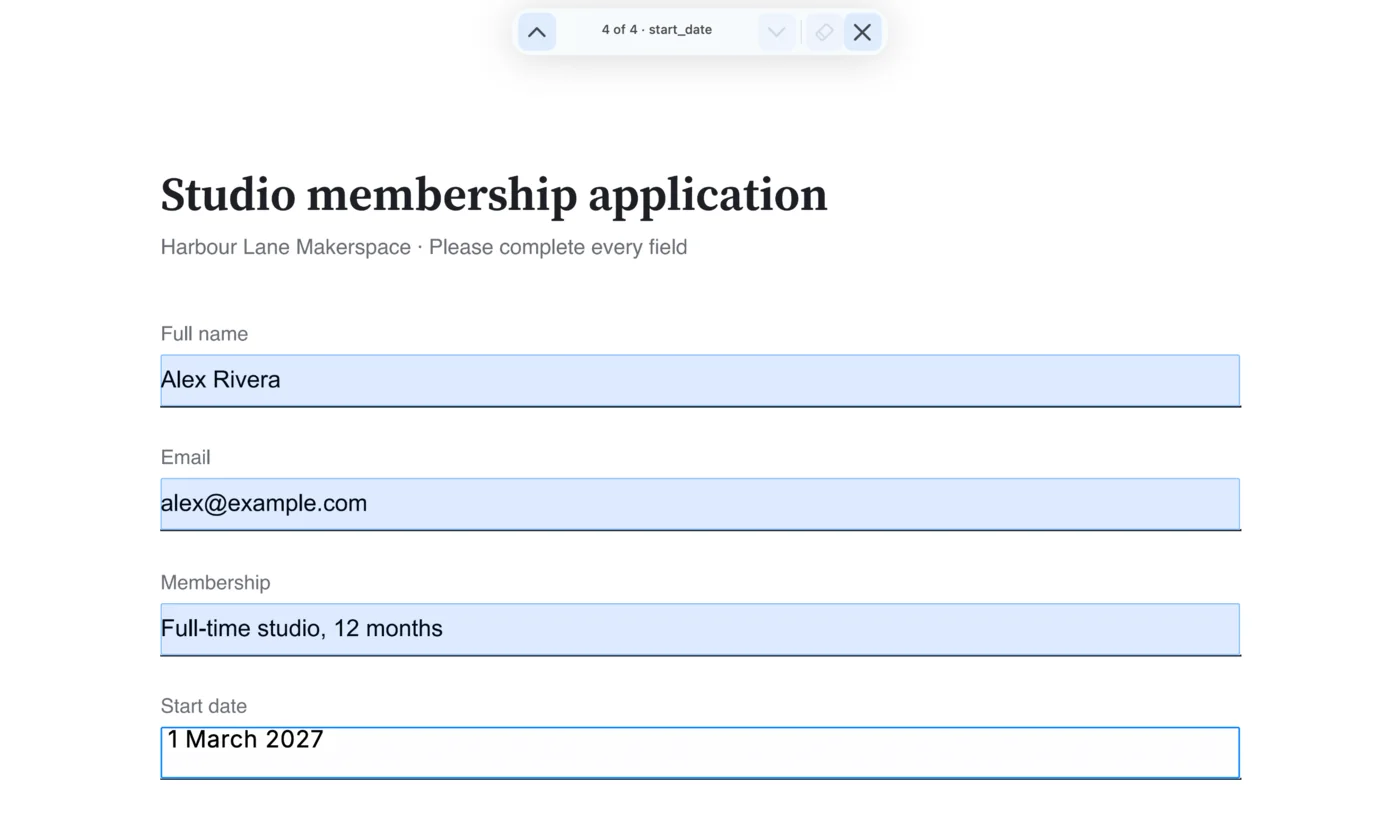
Type into a PDF’s fields, tick its boxes and pick from its lists.
Pages
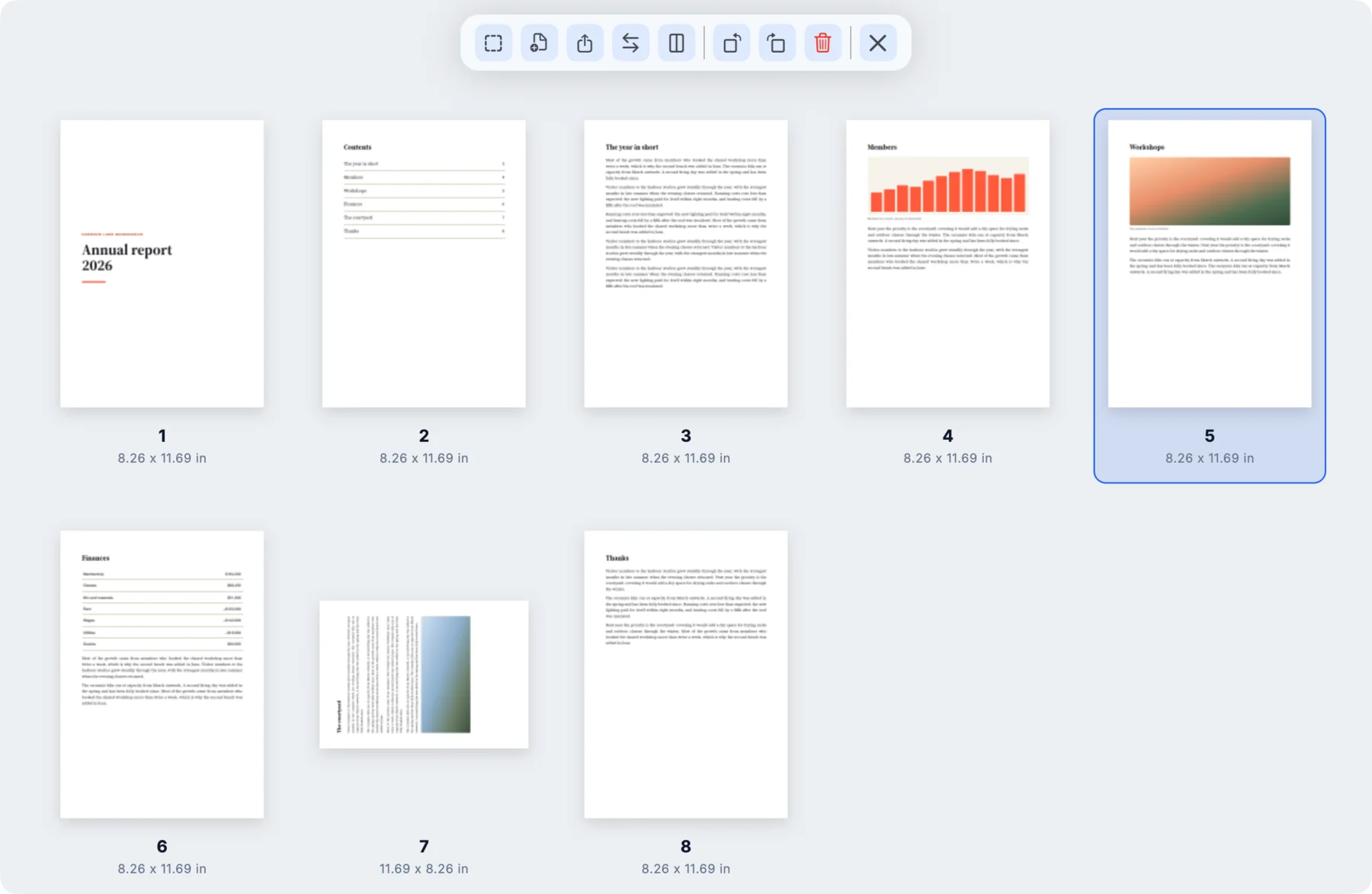
Drag pages into place, rotate, duplicate or delete them. Insert a blank page, another PDF, a picture or what’s on the clipboard. Pull pages out into a new file, or split one into many.
Sign
Draw your signature once and place it wherever it’s needed. When a signature has to stand up, sign with a certificate, and check the signatures in PDFs others send you.
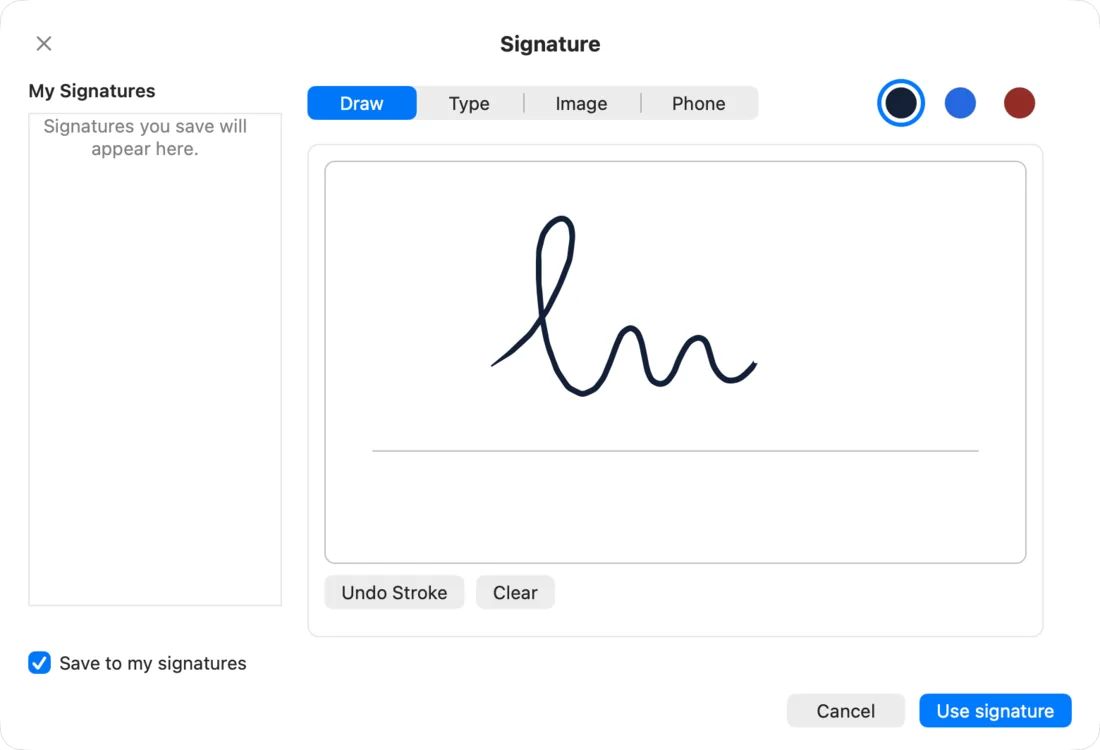
Your signature, and stamps for the words you use often, ready to drop on any page.
For when a signature has to stand up.
Before you send it
Before a PDF leaves your hands, take out what shouldn’t go with it.
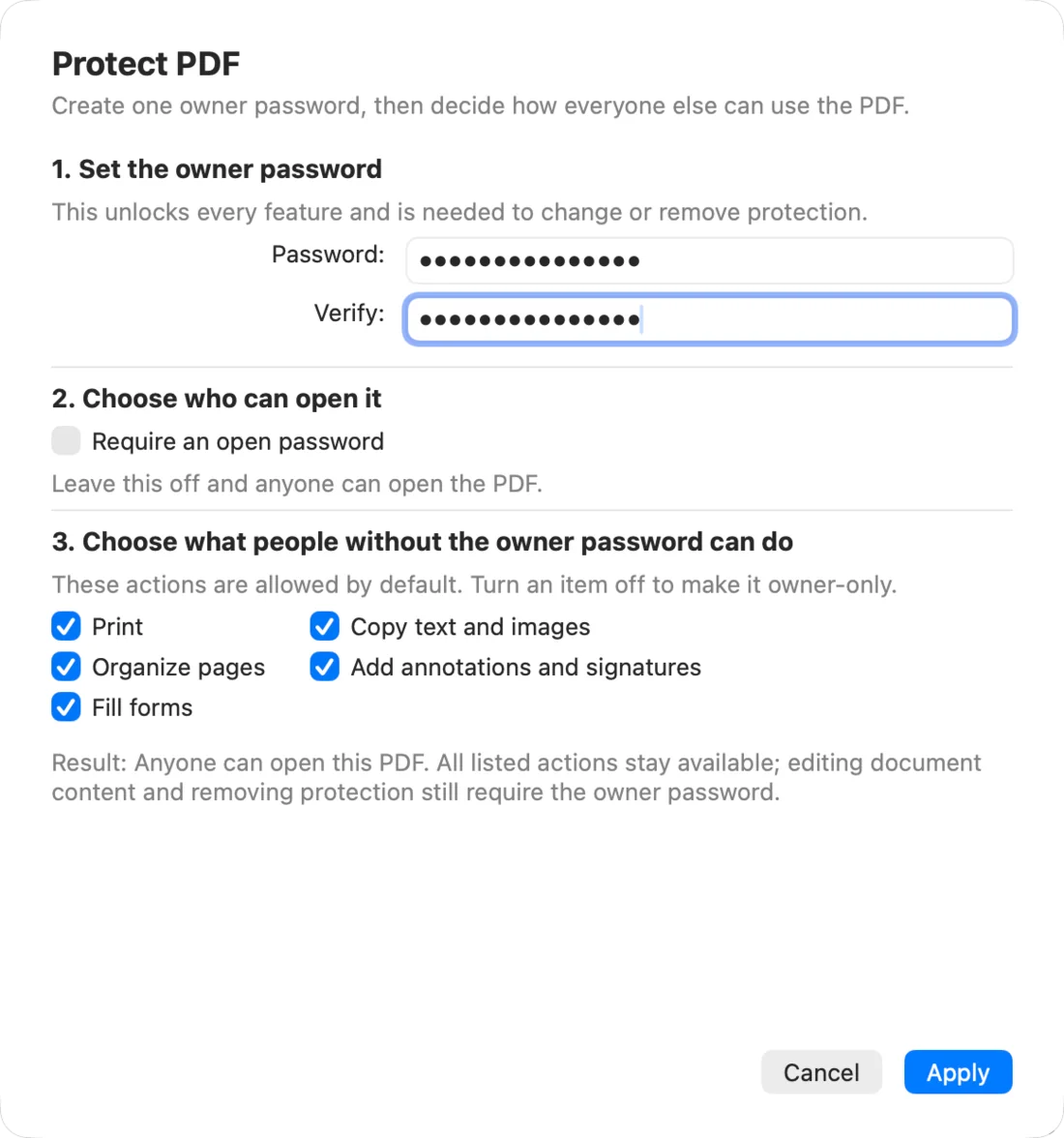
Put a password on a PDF, take one off, or lift its owner restrictions with the owner password.
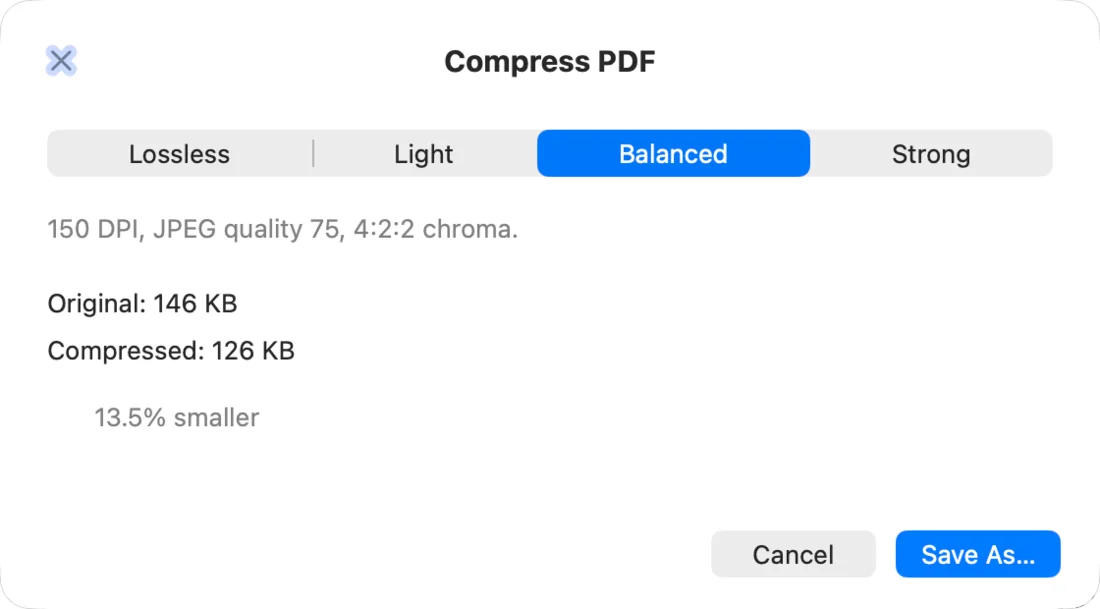
Make a PDF small enough to email, and see what it saved.
Search for a name or a number and black it out everywhere. Redacted text is taken out of the saved file, not just covered.
See the invisible text layer a scanner leaves behind, and remove it if it shouldn’t be there.
Command line
Install the mpdf tool from the app, and work on PDFs from a terminal or a script without opening a window. Add --json, and any command answers in JSON.
mpdf help for every command.Everywhere you read
One app, built to feel native on every platform it runs on.
A native title bar, side panel and find bar.
macOS 13 or later · Apple Silicon and IntelThe Fluent look of Windows 11.
Windows 10 and 11 · 64-bit · installer or portableLiquid Glass bars, a menu bar, and ink with Apple Pencil.
iPadOS 26 · coming to the App StoreBars that show when you tap and step aside as you read.
iOS 26 · coming to the App StoreQuestions
Macs with macOS 13 or later, on Apple Silicon or Intel, and PCs with 64-bit Windows 10 or 11. If you’re not sure which Mac you have, take the universal download: it runs on both.
The iPad and iPhone app is being tested now and will be on the App Store soon. It needs iPadOS 26 or iOS 26.
No. There’s no account and no cloud: mPDF opens and saves files where you keep them. On its own it goes online only to see whether a newer version is out, and you can turn that off. The Privacy Policy has the details.
Yes. When you redact and save, the text under the marks is taken out of the file, not hidden under a black box. Cropping a page is different: it only hides what’s outside the crop, so redact anything private.
mPDF tells you when a new version is out. Download it from this page and replace the app; your tabs, recent files and settings stay as they were.
Open an issue on GitHub, at tacshi/mPDF-Release.
mPDF for Mac and Windows is ready now. The iPad and iPhone app is on its way.
macOS 13 or later
UniversalApple Silicon and IntelWindows 10 and 11, 64-bit
InstallerInstalls mPDF for youiPadOS 26 and iOS 26
Coming soon to the App Store